
Cash and XP: find an event and calculate its reward
Open Cash & XP, choose a category or search for the action, then open its reward page. Combat and support, construction, spotting, match bonuses and the drill each have their own events. An event page keeps its relevant conditions, cash and role XP together.
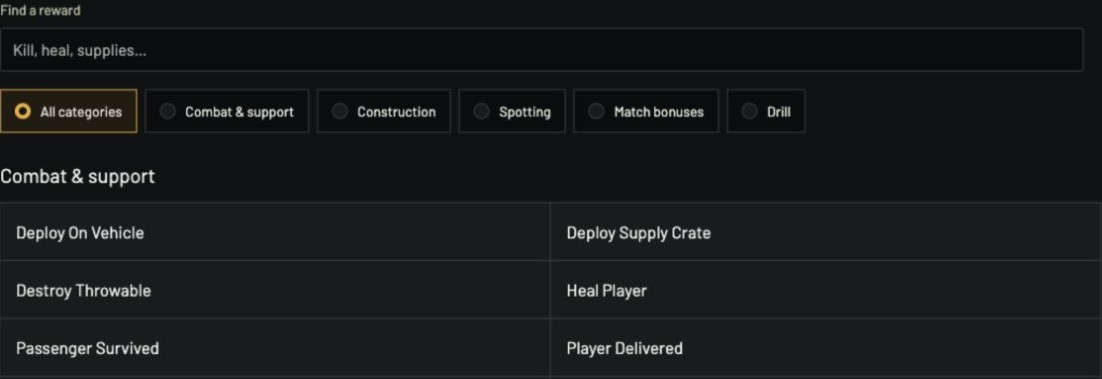
Calculate the action you performed
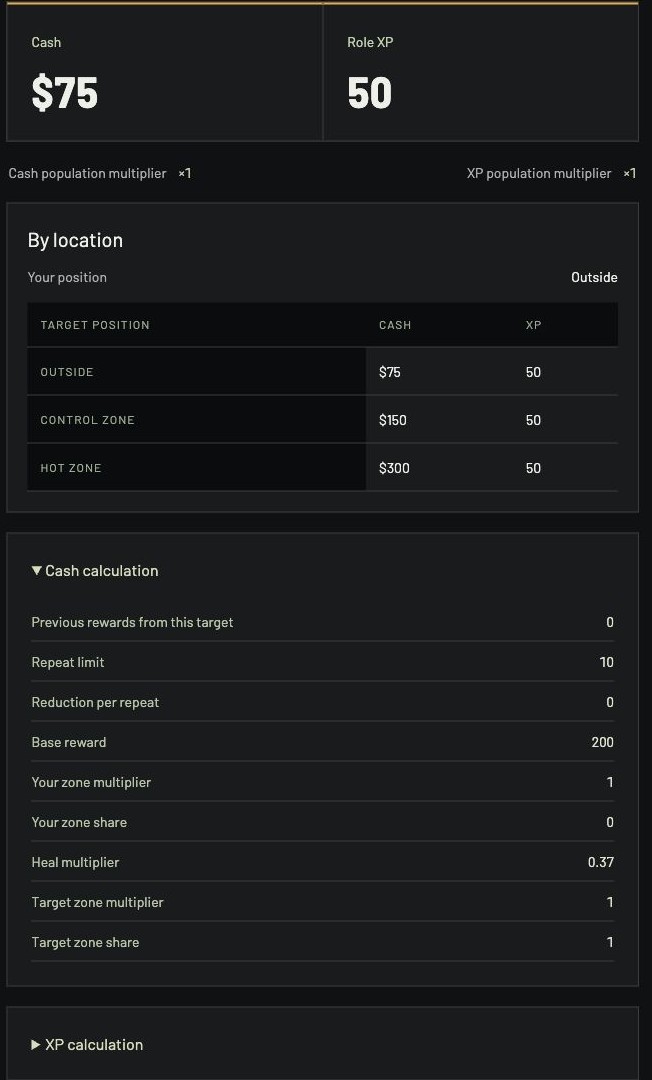
Start with Heal Player at 35% health restored. Both players are outside and the server population is 60. The result is $75 Cash and 50 Role XP. Change Health restored to 100 and the result becomes $200 Cash and 50 Role XP. Clear that field: cash needs the missing input, while the independent XP result remains visible. Enter 35 to restore the original case.
Open Cash calculation and XP calculation for their separate factors. More circumstances contains the event's additional conditions, such as previous rewards from the same target. Reset settings restores the starting case.
Compare locations without moving both players
The By location table varies the target's position while keeping Your position at its selected value. In the healing example above, your position stays outside: the target outside pays $75, in the Control Zone $150, and in the Hot Zone $300. XP stays at 50 in these cases.
For Player Kill, choose your position, the target's position, kill method and server population. With both outside, Small arms and 60 players, the result is $300 Cash and 250 Role XP. Move only the target into the Control Zone: cash becomes $900. Move both players into that zone: cash becomes $1,500. Headshot, revenge, shutdown and team-kill conditions are visible beside the inputs; sniper and artillery methods expose their distance input.
Keep event rewards separate from the match bonus
A kill or heal is one event. Use Match bonus for the match-earned cash, selected role's XP and faction placement. Its Plan this match’s bankroll link carries those original earnings into the Bankroll planner.
Copy link preserves the selected event and circumstances. Use All rewards or the Cash & XP menu to return to the event index, or use Back to restore the category and search you came from.